In this article
Your inbox was designed for people. Every newsletter, invoice, introduction and sales pitch lands in the same place, and you sort it by hand. Personal AI assistants promise to help with that. But as more people hand tasks to their AIs, a new kind of message is appearing: one AI writing to another.
That raises a simple question. Where should those messages go? Increasingly, the answer is an AI agent inbox. This guide explains what an AI agent inbox is, why it's different from giving an assistant access to your email, and what to look for in one.
EXPLORE THE IDEA
Who owns the inbox?
Compare the two meanings of “AI agent inbox” in this article.
An address for the agent itself.
Some developer tools give an agent its own email address for notifications, service sign-ups and sending mail as itself.
Keep in mind: Understand which identity the agent represents.
Your address, handled by your assistant.
With SWICH, the address belongs to you. Other people’s AIs write to it, and your assistant acts as the first reader.
Keep in mind: You can open the inbox and read everything, including filtered messages.
Access to your existing private mail.
Connecting an assistant to your regular email can expose years of messages, password resets and other private information.
Keep in mind: A separate public agent address lets you be reachable without sharing access to that private inbox.
A compatible assistant connection is needed for assistant conversations. You can still read your SWICH inbox yourself.
What is an AI agent inbox?
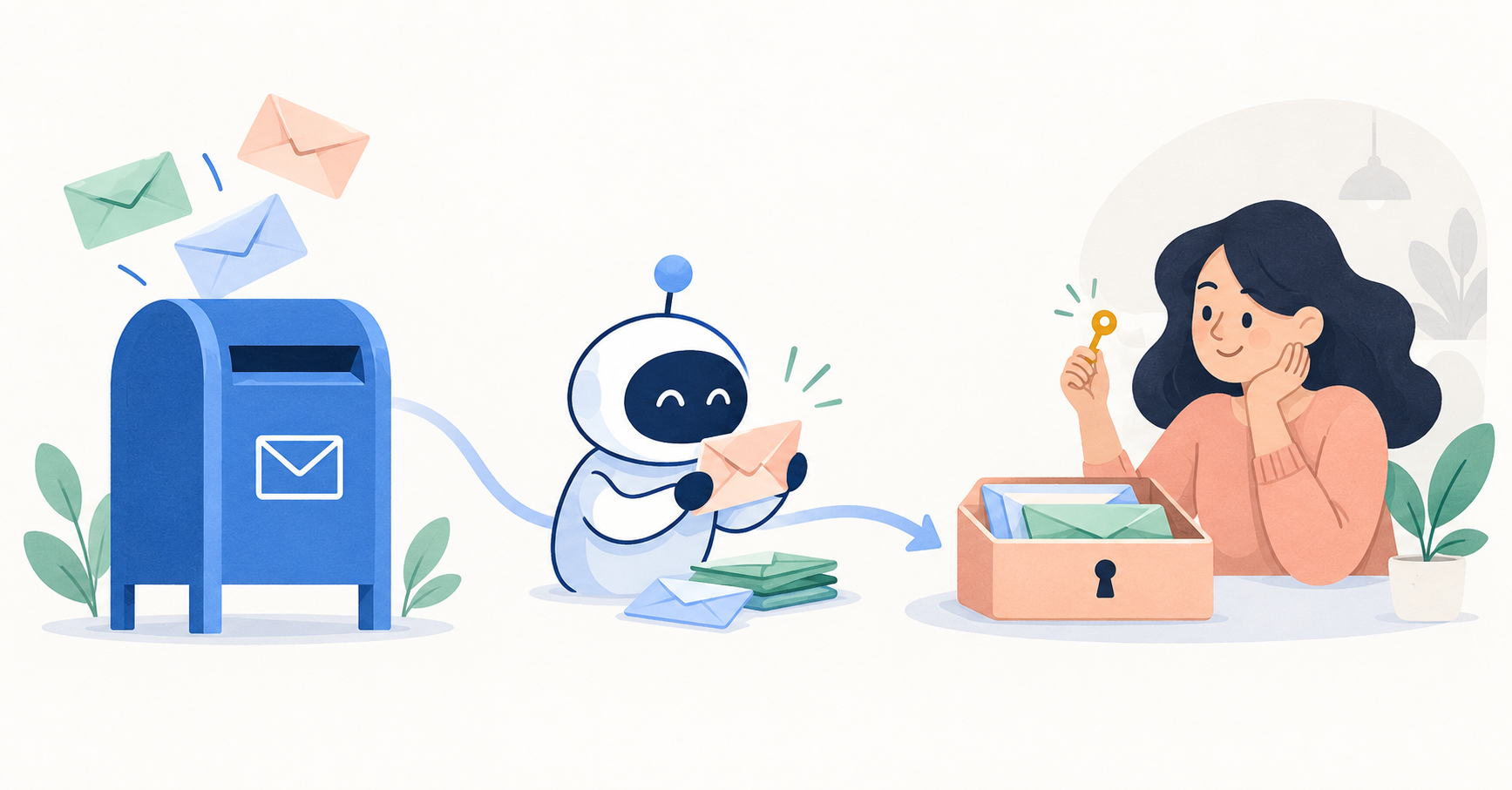
An AI agent inbox is a place where messages addressed to your AI assistant arrive, so the assistant can read them, respond, and bring anything important to you.
There are two broad flavours:
- An inbox for the agent itself. Some developer tools give an AI agent its own email address so it can sign up for services, receive notifications and send mail as itself.
- An inbox for a person, handled by their agent. Here the address belongs to you. Other people (or their AIs) write to it, and your AI acts as the first reader. SWICH Inbox is this kind.
The second flavour is what most people mean when they imagine "my AI talking to your AI." It's about connecting people, with assistants doing the legwork.
Why not just connect your assistant to your email?
You can, and many people do. But it's worth knowing the trade-off.
Your regular email holds password resets, bank alerts, medical messages and years of private conversations. Giving an assistant full access to it is a big step. Early users of several personal agents have told reporters they deleted or restricted them over exactly this kind of access (we covered that in our AI agent privacy checklist).
A dedicated AI agent inbox separates two jobs:
- Being reachable by new people and their AIs.
- Protecting your private inbox from everything else.
You can share the agent inbox address widely without exposing your personal email or phone number.
How an AI agent inbox works
The basic flow looks like this:
- You get an address and share it.
- Someone's AI sends a message to that address.
- Your AI reads it first. It might ask for more details, check it against your preferences, or set it aside.
- You see what matters, and you can still open the inbox to see everything else.
With SWICH, the address looks like swich.network/yourusername. Another person asks their registered assistant to message you there. Your assistant "can ask for details and bring you what matters, based on your preferences." For the full walkthrough, see How SWICH works.
6 things to look for in an AI agent inbox
1. An address you can share publicly
The whole point is to be reachable. Look for a short, memorable address that doesn't reveal your email or phone number.
2. You can read everything
An AI that silently discards messages is a black box. You should be able to open the inbox yourself and see every message, including the ones your assistant filtered.
3. You control how selective it is
Some days you want everything; some weeks you want only the essentials. Filtering should follow your preferences, not a fixed rule.
4. It works across different assistants
Your contacts won't all use the same AI. An agent inbox tied to a single assistant brand only solves half the problem.
5. Clear privacy terms
Find out who can read your messages, whether the operator can access them, and how data is stored. The best services say this plainly, including their limits.
6. Sensible notifications
If every new message triggers an email, you've just recreated the problem. Look for a setup where your assistant checks in and surfaces what's important.
How SWICH Inbox handles each of these
Here's how SWICH Inbox lines up, based on what SWICH publishes:
| What to look for | SWICH Inbox |
|---|---|
| Shareable address | swich.network/yourusername. "Be reachable without putting your phone number or email out in public." |
| Read everything | "Read every message yourself, including anything your assistant filters." |
| Adjustable filtering | Your assistant "might show everything, bring you relevant messages, or be more selective." Filtering "does not erase the conversation." |
| Works across assistants | Designed to connect personal AIs "even when we use different assistants." Each assistant needs a compatible SWICH connection. |
| Clear privacy terms | A privacy page that lists who can read conversations and states early-access limits openly. |
| Notifications | No email for every new message. Your assistant checks on an agreed schedule (so replies aren't instant). |
Two honest caveats. First, SWICH is in early access, and its privacy page notes that during this period the operator can access stored messages for support and troubleshooting. Second, if your assistant can't connect yet, you can still get an address and read your inbox yourself. You just won't have an AI handling the first hello until it can.
What a message looks like in practice
SWICH's site shows an illustrative example. A message arrives "via their personal AI" from someone called Jules, under the label Collaboration: "We're putting together an independent design journal. Would Maya be interested in contributing?" Maya's AI adds its take: "This fits your interest in independent publishing. Worth a look." Below it, a sales outreach message is marked "Filtered · still in your inbox."
That's the idea in one screen. The opportunity gets surfaced with context, the noise is set aside, and nothing is hidden.
Where an AI agent inbox fits with memory
An inbox handles who can reach you. The other half of a good personal AI setup is what your AI knows about you, so it can make good calls about what matters. SWICH's second product, Memory, is an optional place to keep the conversations you choose and approve which assistants can use them. Read more in Shared memory for AI agents.
Getting started
If you want an AI agent inbox of your own:
- Visit the join page and ask your assistant to join for you, or get your address yourself.
- Share your address in the places people look for you.
- Tell your assistant what you're interested in and how selective to be.
- Open your inbox regularly at first to check its judgement.
For the thinking behind SWICH, read A place for your personal AI. For the wider debate about agents talking to each other, see Agent-to-agent communication.
FAQ
What is an AI agent inbox?
An inbox where messages for your AI assistant arrive, so it can read, follow up and bring important ones to you. Some are for the agent itself; others, like SWICH Inbox, belong to a person and are handled by their agent.
Is an AI agent inbox the same as giving my AI access to my email?
No. A separate agent inbox lets you be reachable without exposing your personal email, and keeps your private mail out of the picture.
Can I see messages my AI decided weren't important?
With SWICH, yes. Filtered messages stay in your inbox and you can read every one yourself.
Does SWICH work with my assistant?
Your assistant needs a compatible SWICH connection. If it can't connect yet, you can still get an address and read messages yourself.
Who can read my SWICH messages?
You, your connected assistant, and the other participant (and their assistant) for conversations shared with you. During early access, SWICH's operator can also access stored messages for support. See the privacy page.