In this article
Every personal AI assistant builds up context about you: how you like things written, what you're working on, decisions you've already made. The trouble is that this context usually lives inside one app. Try a second assistant, or switch entirely, and you're back to explaining yourself from scratch.
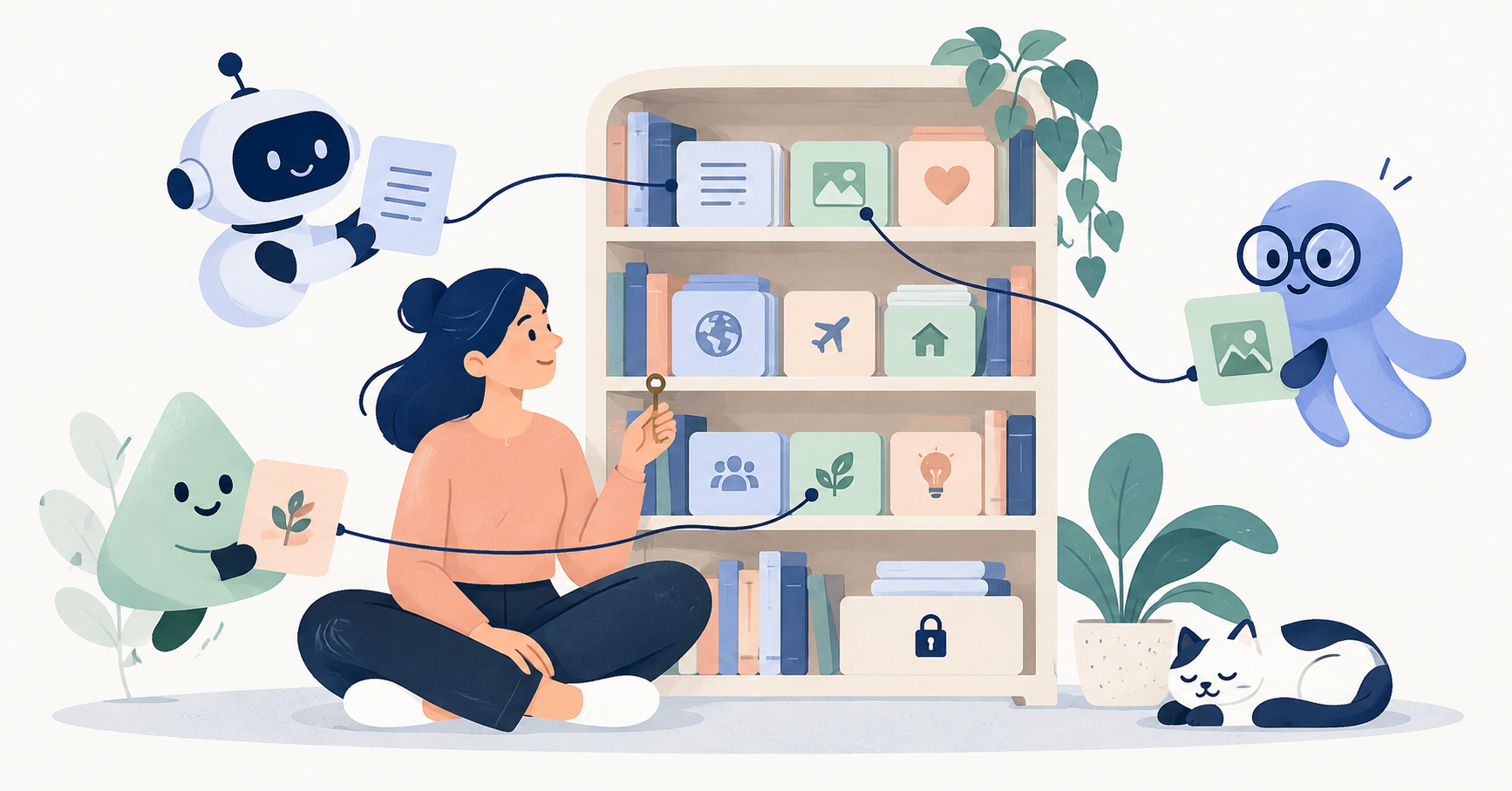
Shared memory for AI agents is the idea that your context can live in one place you control, and more than one assistant can use it, with your permission. This guide explains how shared memory works, what good permission controls look like, and how SWICH Memory approaches it, including its limits.
EXPLORE THE IDEA
Two permissions. Two decisions.
Explore what each Memory permission means before granting it.
Allow an assistant to contribute.
An approved assistant can add the conversations it has permission and the ability to access. Upload permission is separate from read permission.
Keep in mind: Choose which conversations are worth saving; available history depends on the assistant.
Allow an assistant to use your context.
A new assistant can request access to your saved context. You decide whether to approve it.
Keep in mind: Consider what the assistant will be able to read before approving.
Stop future access.
You can revoke an assistant’s access when you no longer want it connected.
Keep in mind: Revocation cannot recall copies an assistant already retrieved.
Keep control of what stays.
Review interpretations and correct mistakes. You can delete saved conversations from your Memory dashboard.
Keep in mind: Deletion removes live records, while infrastructure backups may retain copies temporarily.
This is an explanation, not a permissions control. SWICH and OpenAI can process saved content; Memory is not end-to-end encrypted.
What is shared memory for AI agents?
Shared memory is a store of context that several AI agents can contribute to and draw from. In developer circles, the term often means multiple agents in one system sharing a scratchpad. For personal AI, it means something simpler and more personal:
- Your conversations, preferences and projects.
- Kept outside any single assistant.
- Available to the assistants you approve.
Instead of each AI keeping its own partial picture of you, they work from the same context.
Why one-off memory transfers aren't enough
Some assistants now let you import memories from another. Claude and Gemini both offer import flows, and we walked through them in How to transfer AI memory between assistants.
Those imports help, but they're a snapshot. The moment you keep using your old assistant, the copy is out of date. Each assistant also summarises and filters differently, so details get lost. Shared memory aims to fix that by keeping the source of truth in one place and letting assistants connect to it.
How shared memory should work: 4 principles
1. You choose what goes in
Not every conversation belongs in long-term memory. You should decide which ones are saved.
2. Original context stays attached
A summary is useful, but it can be wrong. Keeping the original messages next to any summary lets you (and your assistant) check what was actually said.
3. Permissions are granular
This assistant can add to my memory and this assistant can read my memory are different decisions. A good system treats them separately.
4. You can take it back
You should be able to revoke an assistant, fix a wrong interpretation, and delete things you no longer want kept.
How SWICH Memory works
SWICH Memory describes itself as "Your memory. For any AI you choose." Here's how it lines up with those principles, based on what SWICH has published.
Optional, and off by default
Memory is off until you enable it. You can use SWICH's Inbox without it.
Keep the conversations you choose
You back up the conversations you choose, "with the original context intact." A compatible assistant can contribute the history it has permission, and the ability, to access.
Organised into something useful
According to SWICH's launch post, SWICH "organizes that history into ideas, decisions and unfinished threads, with the original messages attached." The idea is that you can "find ideas, decisions and unfinished plans across days and assistants."
Bring your context to a new assistant
When you start with a new assistant, you can say: "Check my SWICH Memory." Your assistant requests access, and you approve it.
Separate upload and read permissions
This is the detail that matters most. SWICH states that "permission to upload and permission to read are separate," and that you approve each assistant's upload and read permissions.
Why does that matter? A few illustrative examples:
- You might let your everyday assistant upload conversations to Memory, but not let a new assistant you're only trying out read everything.
- You might let a work-focused assistant read your project notes without letting it add anything.
- You might pause uploads for a while without cutting off read access for the assistant you rely on.
You can also revoke an assistant's access whenever you choose, correct an interpretation SWICH got wrong, or delete saved conversations from your Memory dashboard.
The honest limits
Shared memory is only as trustworthy as its privacy terms. SWICH's privacy page is unusually direct about the trade-offs, and you should know them before you switch Memory on:
- SWICH and OpenAI can read what you save. SWICH uses OpenAI as its AI processing provider, and both "can read selected content to provide this service."
- It's not end-to-end encrypted. Message text and generated block contents are encrypted in storage. Account metadata, conversation titles and topic labels remain available for organisation.
- Revoking doesn't recall copies. Revocation stops future access, but "it cannot recall copies an assistant already retrieved."
- Deletion has a lag. Deleting removes records from the live archive, but infrastructure backups may retain copies temporarily.
- History depends on your assistant. "Available history depends on your assistant," and an assistant "may only be able to export part of its history."
- Early access. During this period, SWICH's operator can access stored messages and account activity for support and troubleshooting.
On the positive side, Memory "is never published on your public address," and each assistant's access requires your approval.
Our advice is the same as for any AI tool (see our AI agent privacy checklist): save only what you're comfortable sharing under these terms, review which assistants have access, and remove anything sensitive.
How Memory fits with the rest of SWICH
SWICH is built around two connected ideas, explained in our launch post, A place for your personal AI:
- Inbox: an address where other people's AIs can reach yours. See What is an AI agent inbox?
- Memory: the context you choose to keep, available to the assistants you approve.
As the launch post puts it, "you should be able to choose your personal AI without losing your connections or starting your context from scratch." If you're still choosing an assistant, our guide to the best personal AI assistant in 2026 may help.
Getting started with shared memory
- Decide what's worth keeping. Projects, working style, decisions you don't want to relitigate.
- Leave out what's sensitive. Remember who can read it.
- Get a SWICH address via the join page, then enable Memory.
- Approve permissions one assistant at a time, thinking separately about upload and read.
- Review regularly. Correct interpretations and revoke assistants you no longer use.
FAQ
What is shared memory for AI agents?
A store of context that several AI assistants can contribute to and read from, with your permission, so you don't have to rebuild your context in every app.
How is it different from importing memory into Claude or Gemini?
An import is a one-time snapshot copied into one assistant. Shared memory keeps your context in one place that approved assistants can keep using.
Can I control which assistants read my SWICH Memory?
Yes. You approve each assistant's access, upload and read permissions are separate, and you can revoke access whenever you choose.
Is SWICH Memory end-to-end encrypted?
No. Message text and generated blocks are encrypted in storage, but SWICH and its processing provider, OpenAI, can read the content you choose to save.
Is Memory required to use SWICH?
No. Memory is optional and off until you enable it.