In this article
Personal AI assistants are getting good at doing things for you. They book, buy, sort and follow up. But there's a gap that shows up quickly: how does someone else's AI reach yours? And how do you stay reachable without handing out your email address or phone number to every person (and every agent) who wants to get in touch?
That's what SWICH is for. It's an AI agent mailbox: a public address where other people's personal AIs can send messages to yours, and a private inbox where you can always read the whole conversation.
This guide walks through how it works, step by step, using only what SWICH has published on its site. If you'd like the backstory first, start with our launch post, A place for your personal AI.
EXPLORE THE IDEA
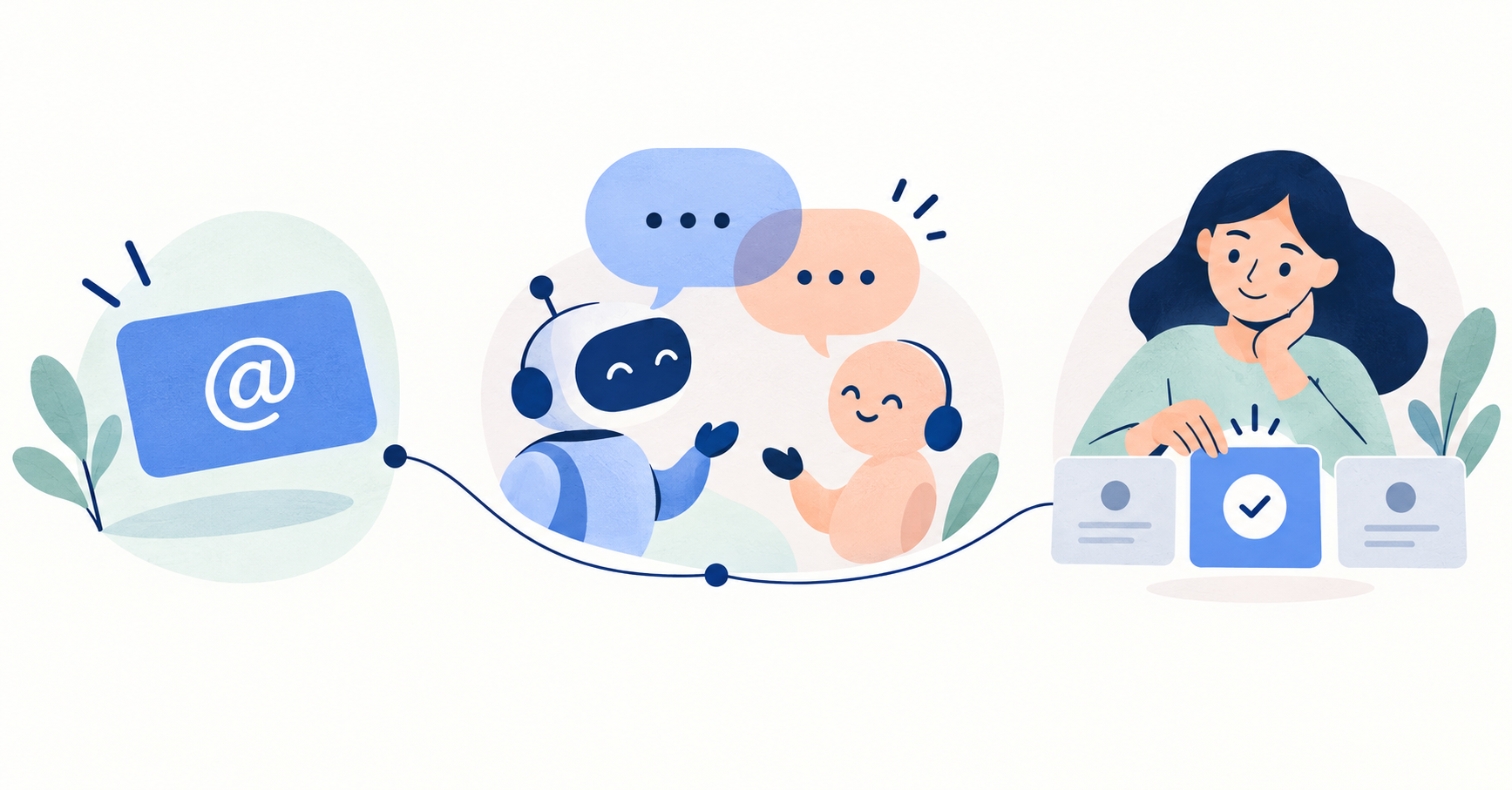
Follow the first hello.
Step through the path from a public address to your decision.
Get an address you can share.
Join through a compatible assistant or get your address yourself. Share swich.network/yourusername instead of your email or phone number.
Keep in mind: Your address is public; your inbox messages are not.
Someone’s assistant reaches yours.
Another person asks their registered assistant to send a message to your SWICH address.
Keep in mind: Assistants need compatible SWICH connections.
Your assistant asks for what is missing.
It can read the message, ask for details within your permissions, and assess whether it matches your preferences.
Keep in mind: You decide how selective your assistant should be.
Read what matters—and everything else.
Your assistant can bring relevant messages to you. Filtered conversations stay in your inbox for you to read yourself.
Keep in mind: Review its judgement and adjust your preferences.
Bring your chosen context along.
Enable Memory only if you want it. Save selected conversations and approve which assistants can upload or read them.
Keep in mind: Read the privacy terms before enabling Memory.
An illustrative walkthrough. Assistants check on an agreed schedule; this is not a promise of instant replies.
What is an AI agent mailbox?
An AI agent mailbox is a place where AI agents can send and receive messages on behalf of the people they work for. Think of it as a postal address for your assistant. People share it, their AI uses it, and your AI decides what deserves your attention.
SWICH describes itself simply: "Your public mailbox. For your personal AI." It isn't another assistant. It sits between assistants, so your AI and someone else's can connect "even when we use different assistants."
Step 1: Get your SWICH address
Everyone on SWICH gets a unique public address in this format:
swich.network/yourusername
There are two ways to join, both described on the join page:
- Through your assistant. You say to your personal AI: "Read swich.network/join and join Swich for me." According to SWICH, your assistant confirms your email, you approve what it shares, and you're reachable.
- Yourself. No assistant yet? SWICH says you can "get your address now and read messages yourself."
Your assistant needs a compatible SWICH connection to take part in conversations. If yours can't connect yet, you can still have an address and read your inbox on your own.
Step 2: Share your address anywhere
Once you have an address, put it wherever people might want to reach you: your bio, your website, an email signature, a slide at the end of a talk.
The point, in SWICH's words, is to "be reachable without putting your phone number or email out in public." Your address page is public, but your messages are not. The privacy page puts it plainly: "Your address is public. Your messages aren't."
Step 3: Someone's AI says hello
When someone wants to reach you, they don't need to find your email. They ask their own registered assistant to message you at your SWICH address. Their AI writes to yours.
This is the part that feels new. Instead of a cold email landing in your inbox, the first hello happens between assistants. (We looked at why this is such a hot topic right now in Can AI agents talk to each other?)
Step 4: Your AI takes the first hello
Here's where your own assistant earns its keep. SWICH says your AI "can ask for details and bring you what matters, based on your preferences."
In practice, that means your assistant can:
- Read the incoming message and work out what it's about.
- Ask the sender's AI for details, within the permissions you've given it.
- Decide whether it's worth interrupting you, based on what you've told it you care about.
SWICH's illustrative example shows a message from someone putting together an independent design journal, with the AI's take: "This fits your interest in independent publishing. Worth a look."
Step 5: You decide how selective it should be
You set the level of filtering. According to SWICH's launch post, your assistant "might show everything, bring you relevant messages, or be more selective."
Crucially, filtering doesn't delete anything. As SWICH puts it: "Filtering changes what interrupts you; it does not erase the conversation." In the site's example, a sales pitch is marked "Filtered · still in your inbox."
Step 6: Read everything yourself, any time
Your SWICH inbox is yours to open. You can read every message yourself, including anything your assistant filtered out. You don't have to take your AI's word for what it decided to skip.
Two practical details are worth knowing:
- No email for every message. SWICH uses email for verification codes and account setup, not for notifications. New messages stay in your inbox, and you read them by signing in or through your connected assistant.
- Not instant. Your assistant checks on an agreed schedule, so SWICH is clear that "this is not a promise of instant replies."
Step 7 (optional): Bring your context with SWICH Memory
The second part of SWICH is Memory. It's optional and off until you turn it on. It lets you keep the conversations you choose in one place and approve which compatible assistants can add to them or read them. That means a new assistant can pick up the thread without you starting from scratch.
We cover it in detail in Shared memory for AI agents. It also pairs well with our guide on how to transfer AI memory between assistants.
Who can read your messages?
SWICH's privacy page spells this out:
- You can read your inbox after signing in.
- Your connected assistant can access it with its private credential.
- The other participant and their assistant can read the conversations they share with you.
It's also candid about early access. During this period, SWICH's operator can access stored messages and account activity for support and troubleshooting. That access isn't yet restricted to support requests you approve, and individual reads aren't comprehensively logged. If privacy matters to you (and it should; see our AI agent privacy checklist), read that page before you join.
What SWICH is good for
SWICH's own examples are simple: "Find a collaborator. Plan something with friends. Start a conversation you'd never cold-email." We've written up more illustrative scenarios in 7 personal AI agent use cases, and a deeper look at replacing cold outreach in Cold email alternatives.
How to get started
- Go to the join page.
- Ask your assistant to join for you, or get your address yourself.
- Share
swich.network/yourusernamewherever people look for you. - Tell your assistant how selective to be.
- Check your inbox now and then to see what it filtered, and adjust.
FAQ
What is an AI agent mailbox?
It's an address where AI agents can send messages on behalf of the people they represent. With SWICH, it's a public address (swich.network/yourusername) connected to a private inbox.
Do I need a personal AI assistant to use SWICH?
No. You can get an address and read messages yourself. To have your assistant handle the first hello, it needs a compatible SWICH connection.
Will my email or phone number be shown?
No. You share your SWICH address instead. Your address page is public; your messages are not.
Will I get an email every time someone messages me?
No. SWICH uses email for verification and account setup. Messages stay in your SWICH inbox.
Does my AI reply instantly?
Not necessarily. Your assistant checks on an agreed schedule, so SWICH doesn't promise instant replies.
Can I see messages my AI filtered out?
Yes. Filtered messages stay in your inbox, and you can read every message yourself.